Does Transtore support checkout content?
Transtore allows you to view and edit Checkout page content that Shopify makes available for translation. However, due to Shopify’s platform limitations, Transtore’s Auto translation cannot run on the Checkout page.
Some default Checkout page content may already be translated by Shopify. You can review and edit the available translations in Transtore:
- Go to Language.
- Click Manage language next to the target language.
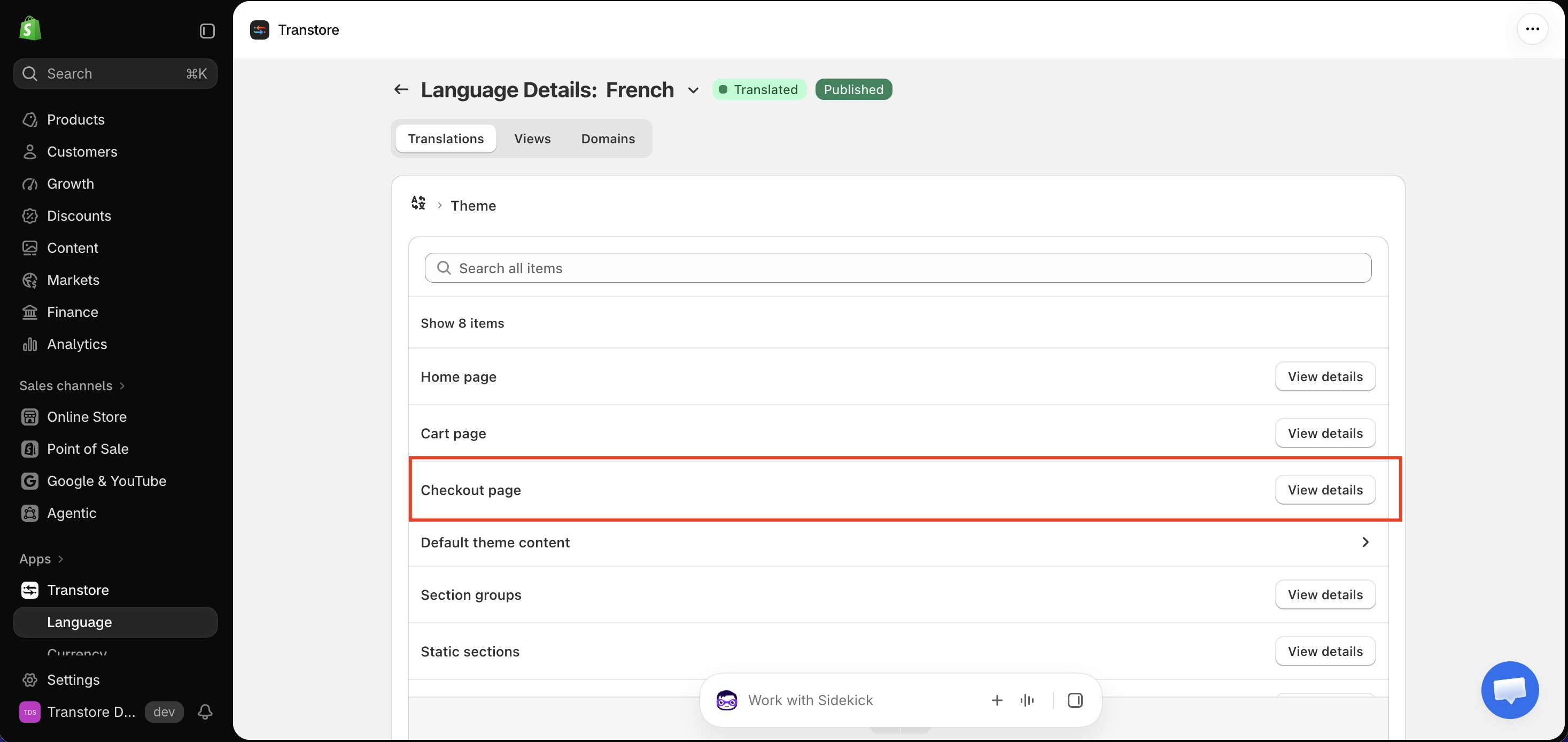
- Under Translations, open Theme.
- Find Checkout page and click View details.
- Find the content you want to update and edit its translation.
note
Content added to the Checkout page by a third-party app cannot be translated by Transtore’s Auto translation.
If you cannot find a specific piece of Checkout page content, please send us the exact text and a screenshot at [email protected]. Our support team will help you check whether that content is available for translation.