How does Transtore detect a visitor's location?
Transtore detects a visitor's location and displays the storefront settings that match their location preferences.
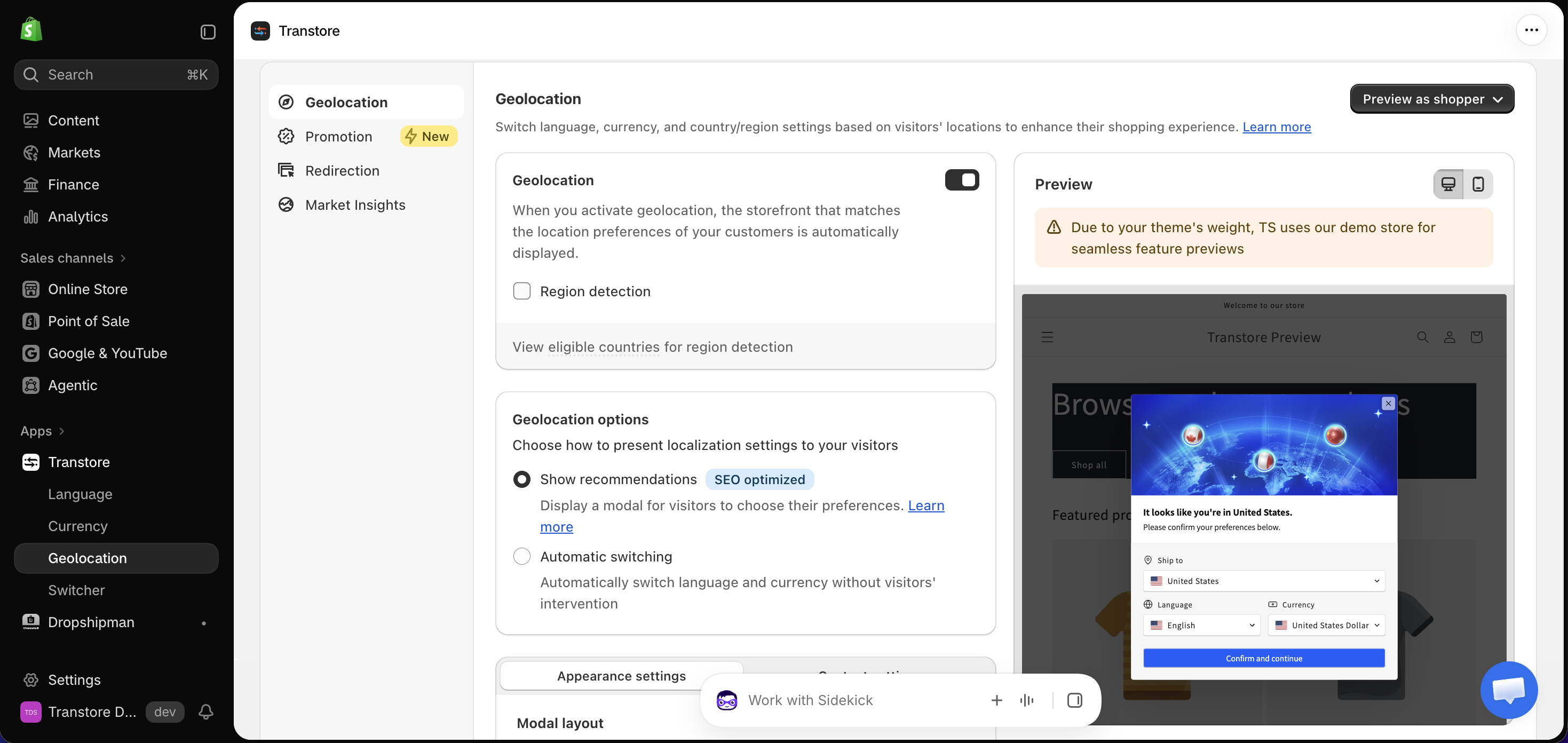
After enabling Geolocation, you can choose how Transtore presents the relevant language and currency:
- Show recommendations - Displays a modal where visitors can review and select their preferred settings.
- Automatic switching - Automatically switches the language and currency based on the visitor's location without requiring any action.
For example, when a visitor accesses your store from France, Transtore can recommend or automatically apply the language and currency configured for that location.
The visitor's selection is stored in their browser cache for 30 days. After the saved preference expires, the recommendation modal can appear again.
If Transtore detects an incorrect location or does not apply the expected storefront settings, please contact us at [email protected]. Include the detected location, expected location, and a screenshot so our support team can help investigate.